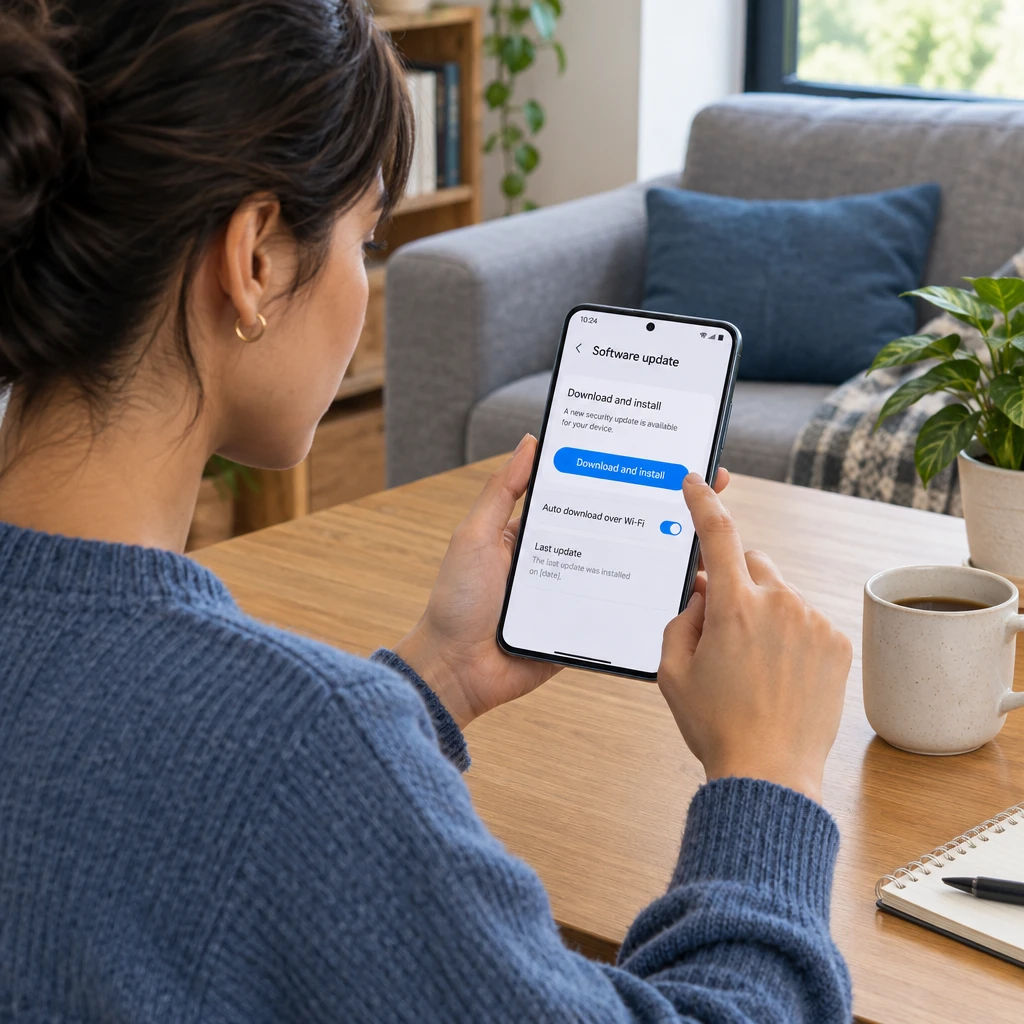
Samsung has begun rolling out its November 2026 security update for the Galaxy S24 and S25 series, starting in South Korea .
Ah, the security update. Nobody gets excited about it, and yet it’s one of the few things your phone asks for that actually matters. If you own a Galaxy S25 or S24, you may have noticed a new software patch showing up in Settings, and Samsung has started rolling out its November 2026 security update to these devices.
I’ll be upfront: I couldn’t pull the full details from the original report, so I won’t pretend to know every fix in this particular release. What I can do is walk you through what these updates generally are, why they matter, and how to make sure your phone gets them without the usual head-scratching.
What a monthly security update actually is
Samsung, like most Android manufacturers, releases security patches on a regular schedule, usually monthly. These updates typically fix vulnerabilities that have been found in Android and in Samsung’s own software layers. Some are minor bug fixes. Others close holes that could otherwise let malicious apps or websites do things they shouldn’t.
Think of it like locking the doors on a house after you’ve learned a few windows don’t latch properly. Nobody throws a parade for that, but you’d notice quickly if someone skipped it.
Why the S25 and S24 are getting it
Both the Galaxy S24 and S25 lines are current flagship devices, so they’re still in active support. Samsung has publicly committed to a long run of software and security updates for these models, which is a good thing. A phone you paid a lot for should not be considered obsolete a year after you bought it, and fortunately these days it usually isn’t.
How to check for the update
Getting the update is simple enough:
1. Open Settings on your phone.
2. Scroll down and tap Software update.
3. Tap Download and install.
4. Wait for the download to finish, then let the phone restart.
If the option doesn’t show up yet, don’t panic. Rollouts are staged, which means carriers and regions receive updates at different times. Your phone may simply not be in the first wave. Check again in a day or two.
A few tips before you tap install
– Charge your phone first. Most updates need a decent battery level, and nothing ruins a Tuesday like a half-installed update and a dead battery.
– Connect to Wi-Fi. Security updates can be large, and mobile data is a quick way to burn through your plan.
– Back up anything important. Updates are usually smooth, but backups are the adult thing to do.
– Read the release notes if you’re curious. Samsung usually lists what’s included, which is more useful than guessing.
Should you wait?
Some people prefer to hold off on updates until they hear whether others are having problems. That’s a reasonable instinct for a while, but security patches are not the place to be stubborn for long. Delaying indefinitely leaves known vulnerabilities open on a device you use for banking, email, and photos of your cat.
The bottom line
A November security update for the Galaxy S25 and S24 is exactly the kind of boring, important maintenance that keeps your phone safe. Check Settings, install it when you have time and a charged battery, and then go back to ignoring your phone like a normal person. Your future self will appreciate it.
Inspired by: “Samsung Starts Rolling Out November 2026 Security Update to Galaxy S25 and S24” (r/RSS)