First, change your passwords—especially if you’ve reused them across sites. Then enable two-factor authentication (2FA) on all key accounts. Review your account and credit activity regularly for any unusual behavior. If suspicious actions surface, consider freezing your credit and alerting your bank. To proactively reduce exposure in the future, tools like Cloaked can mask your personal information before breaches happen.
Let’s be honest: nobody enjoys typing a 16-digit credit card number, a expiration date, and a three-digit security code into a checkout form on a phone with thumbs that are slightly too big for the keyboard. So when a website offers to save your card, or your browser quietly fills it in for you, it feels like a small miracle. Checkout takes seconds, and you feel like a productivity genius for about the length of a single purchase.
But convenience has a price, and in this case the price is a question you probably never asked: where exactly is that card information stored, and who else can get to it? Automatically saving your credit card online is one of those features that works beautifully until the moment it doesn’t. Here is what you should know before you click ‘Save card’ one more time.
Why saved cards are a target
From a criminal’s point of view, a saved card is a jackpot. Instead of having to trick you into typing your details, an attacker only has to get access to an account, a device, or a browser profile where the details already live. That is far less work. Thieves like shortcuts, and saved payment information is basically a shortcut with a bow on it.
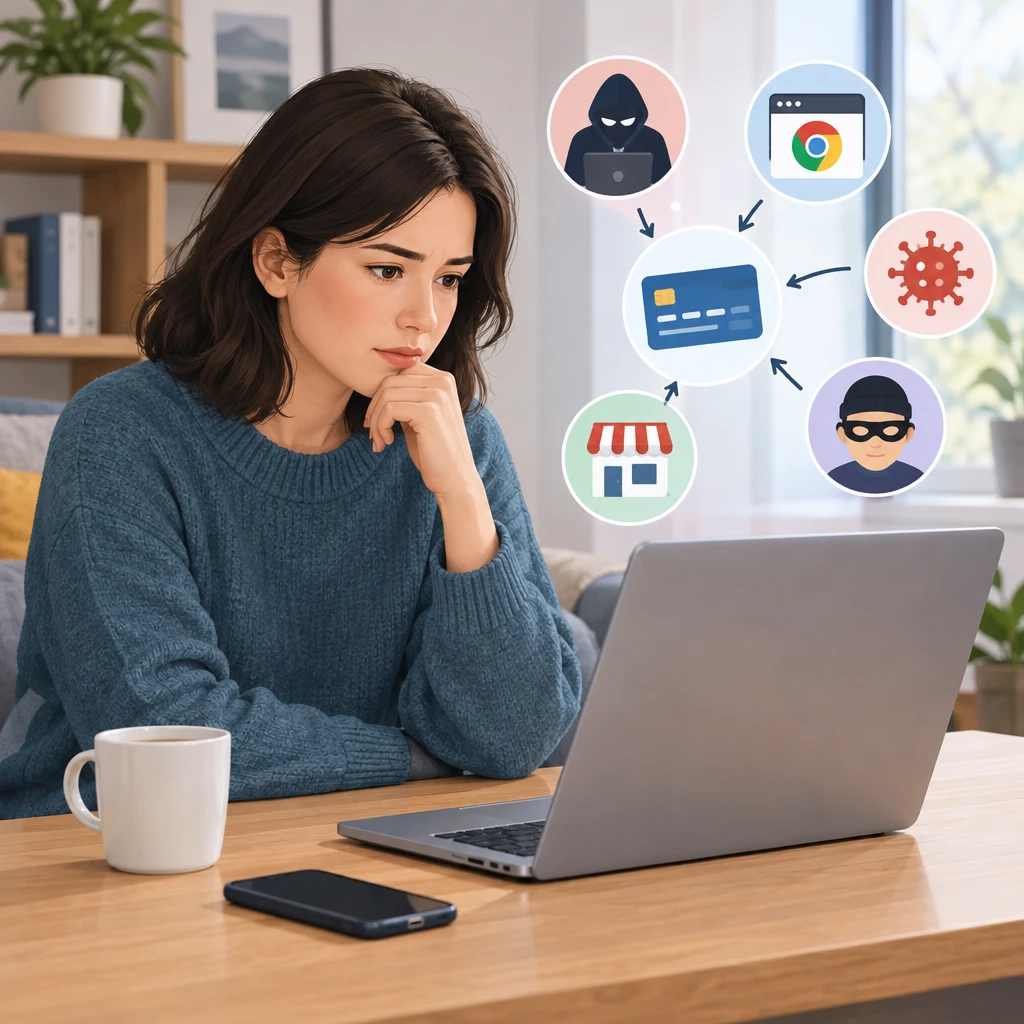
The risk comes from several directions at once. Your data could be exposed if the merchant’s systems are breached, if your browser or password manager is compromised, if malware is installed on your computer or phone, or if someone simply picks up your unlocked device. Each of these situations is different, but they all lead to the same unpleasant place: someone else spending your money.
The browser autofill problem
Most modern browsers offer to store payment methods so they can fill in forms automatically. This is handy, and it is also a potential weak spot. If your browser profile is accessed by someone else, whether that is a family member who uses your laptop, a coworker who wanders over to your desk, or a stranger who gets hold of your phone, those saved details may be only a few clicks away.
Malicious software is another concern. Malware designed to steal information can target browser data, and saved payment details are exactly the sort of thing it looks for. Keeping your operating system, browser, and security software updated helps close known gaps, but no update makes you immune to every trick.
Merchant storage is not always the same as your storage
When a retailer or subscription service keeps your card on file, it often does not store your full card number in plain form. Many businesses rely on tokenization, which replaces the sensitive number with a code that is useless on its own. That is a good practice, and it is one of the reasons card-on-file systems are generally considered reasonable when handled properly.
Still, ‘generally reasonable’ is not the same as ‘perfect.’ A company’s systems can be breached, its staff can make mistakes, and its vendors can have problems. You have very little control over how well a merchant protects your data behind the scenes. That is the uncomfortable part: you are trusting a business you may have bought one pair of socks from in 2019 to keep its security current indefinitely.
Phishing makes everything worse
Saved cards also interact with one of the oldest tricks on the internet: phishing. A convincing fake login page or payment request can pressure you into entering details you would normally protect. When your card is already saved, you may be less likely to notice something is off, because the process feels familiar and fast. Speed and familiarity are exactly what good scammers depend on.
A useful habit here is to slow down whenever a page asks you to confirm payment information, especially if the request arrived through an unexpected email or text. Go directly to the official site or app rather than following a link, and check that the address matches what you expect.
What you can do without giving up convenience entirely
You do not have to choose between constant hassle and total exposure. A few practical steps can reduce the risk considerably.
Use a strong device lock. A passcode, biometric lock, or password on your computer and phone is your first line of defense. If your device is stolen or left unlocked, a saved card is only as safe as that lock.
Protect your browser and password manager. Use a strong, unique master password and turn on two-factor authentication wherever it is offered. If you use a password manager, make sure it is from a reputable provider and that its recovery options are secured.
Consider removing cards you rarely use. If you bought something once and never again, delete the saved card. Fewer stored cards mean fewer things to lose.
Use a separate card for online shopping. Some banks and card issuers offer virtual card numbers or spending limits for online purchases. Limiting how much a single card can be charged is a simple way to contain damage.
Watch your statements and turn on alerts. Transaction notifications are one of the most underrated security tools available. If a charge you did not make shows up, the sooner you see it, the sooner you can report it and get it resolved.
Log out and clear data on shared devices. If you use a computer at a library, a hotel, or a friend’s house, do not let it remember your payment details. Better yet, avoid saving payment methods on any machine you do not fully control.
So should you turn it off?
Not necessarily. For many people, saved card information is a reasonable trade-off, especially on well-known retailers and on devices they keep locked and protected. The key is to make that choice deliberately rather than by default. Ask yourself which cards are saved, where they are saved, who can access those places, and whether you would notice quickly if something went wrong.
Saving your card online can make life easier, but it also concentrates risk in a few places. Treat your saved payment details the way you would treat a spare house key: useful, but worth keeping track of, and not something you hand to just anyone. A few minutes of tidying up your payment settings today could save you a very long afternoon on the phone with your bank later.
Inspired by: “The Major Security Risk You Need To Be Aware Of If You Are Automatically Saving Your Credit Card On…” (r/RSS)