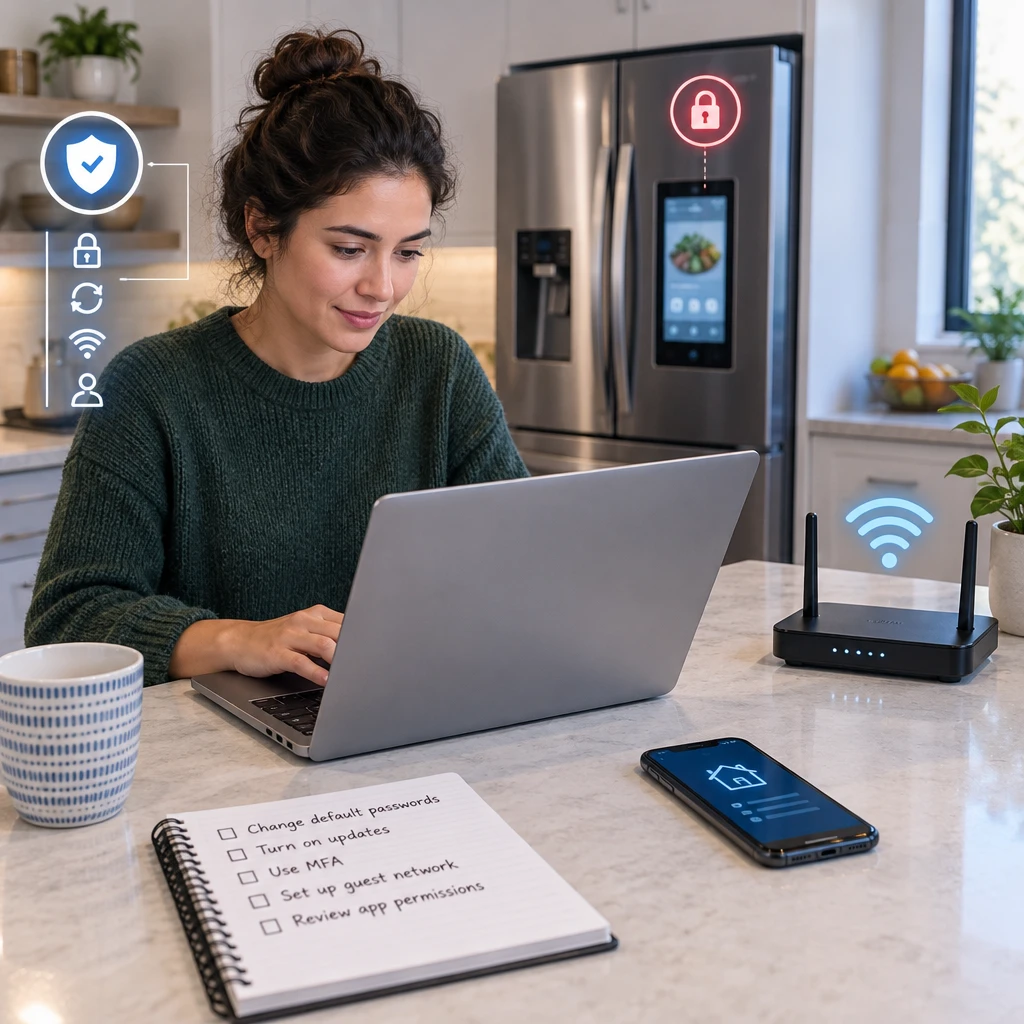
While you’re at it, it’s worth checking who’s got access to your cameras, doorbell or any similar apps, as well as taking an inventory of your smart home devices and identifying how they connect to the internet. If you have home indoor cameras, point them away from any areas you want to keep private. Some models come with a lens cover or can be scheduled to only record at certain times. Does a refrigerator even need to be connected to the internet?
Few things make you look at your kitchen appliances differently quite like a headline about supermarket refrigerators getting hacked. Nobody expects the fridge that keeps the milk cold to be a security risk, but that is exactly the kind of surprise connected devices keep handing us. The lesson isn’t that refrigerators are evil. It’s that anything with a network connection can become a way in, and the more gadgets we add to our homes and businesses, the more doors we have to lock.
Why connected devices are such a weak spot
Most smart devices were built to be cheap, quick to set up, and easy to use. Those goals are great for shoppers and not so great for security. Many gadgets ship with default usernames and passwords that are printed right on a label or listed in a manual that is easy to find online. Some devices get firmware updates rarely, or stop getting them altogether once the manufacturer moves on to the next model. A device like that can sit on your network for years with the same known weaknesses, quietly waiting for someone to notice.
The commercial side has the same problem on a bigger scale. A store might have dozens of connected refrigerators, lighting controls, security cameras, and point-of-sale systems, all managed by different vendors. If one of those devices is poorly protected, it can become a foothold into the wider network. Security experts have warned about this for years, and it’s a big reason why organizations are told to keep their equipment on separate network segments.
Start with the basics
Before you spend money on fancy security gear, handle the simple stuff. It’s unglamorous, but it blocks most of the easy attacks.
Change default passwords right away. Every device should have a unique, strong password. If you can’t change it, that’s a sign to think twice about buying it.
Keep firmware updated. Turn on automatic updates where the option exists. If a device hasn’t received an update in a long time, that’s a warning sign, not a feature.
Use multi-factor authentication on the accounts that control your devices. Your smart home app is basically a remote control for your house, so protect it like one.
Use a password manager. Trying to remember dozens of unique passwords on your own is how people end up reusing the same one everywhere, which is a bad plan.
Build a smarter network
Your home router is the front door to everything, so it deserves some attention. Many people never log into their router after setup, which is a shame because a few settings can make a real difference.
Consider putting smart devices on a separate guest or IoT network. If a camera or plug gets compromised, the attacker shouldn’t automatically have access to your laptop, phone, or file server. Many modern routers support this feature, and it takes only a few minutes to set up.
Turn off features you don’t use. Universal Plug and Play (UPnP) is convenient for some games and apps, but it’s also a common way for devices to open holes in your firewall without you realizing it. Remote management features are similar. If you don’t need them, disable them.
Keep the router itself updated, and replace very old hardware that no longer receives security patches.
Choose devices more carefully
Security should be part of the shopping decision, not an afterthought. Before you buy, check a few things. Does the manufacturer have a track record of providing updates? How long will the device be supported? Does it require a cloud account, and if so, what data does that account collect? Can you use it without sending everything to a server somewhere else?
Reviews are useful, but read the security-related ones in particular. A product that looks great on paper but has a history of ignored vulnerabilities is not a bargain, no matter how low the price.
Review what your devices can access
Many apps ask for permissions that go far beyond what they need. A smart bulb app doesn’t need access to your contacts or location all the time. Go through your app permissions every few months and remove anything that seems excessive. Delete apps for devices you no longer own, and make sure old accounts are closed so they can’t be used later.
So, should you panic?
Not really. Connected devices are useful, and most of them are reasonably safe when set up with a little care. The trouble comes from the lazy setup: default passwords, no updates, and every gadget dumped onto the same network with full access to everything else. Fixing those problems doesn’t require a cybersecurity degree. It mostly requires an hour of attention and the willingness to ignore the little voice saying you’ll get to it later.
The supermarket refrigerator story is a useful reminder that attackers don’t always go after the obvious target. They go after the device nobody thought to protect. So give your smart home the same care you’d give your bank account. Your fridge will still keep your leftovers cold, and you’ll sleep a little better knowing it isn’t running a secret life on your network.
Inspired by: “One Tech Tip: Supermarket refrigerators got hacked. Make sure your smart home devices are secure” (r/RSS)