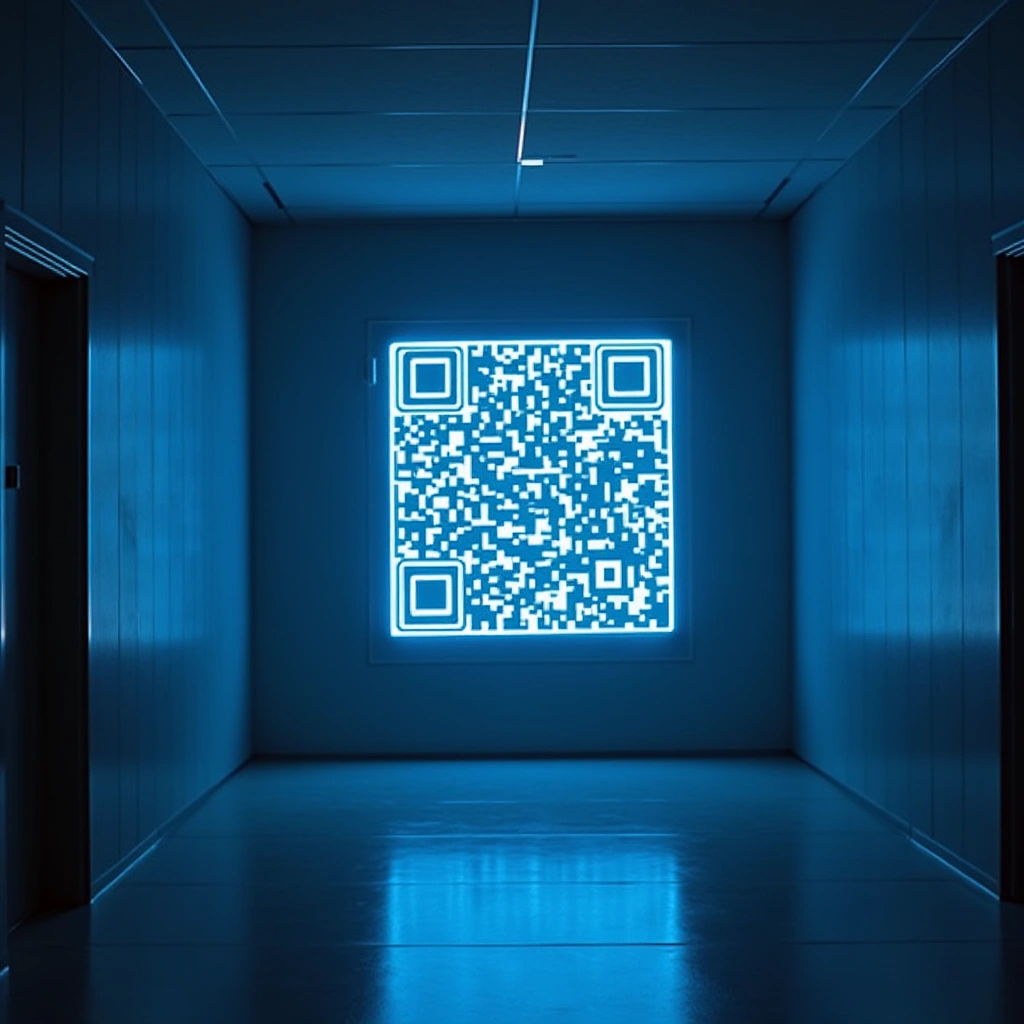
An X QR code is used to direct users instantly to an X profile, post, or timeline by scanning the code with a smartphone.
Ah, Twitter, or as it’s now called, X—because who needs a simple name when you can have a letter? Just when you thought you were getting used to the constant changes, they throw a curveball at you. If you thought logging into your Twitter account was as easy as pie, well, my friend, it looks like you’re about to get a slice of something a bit more complicated.
Picture this: You’re sitting at your desk, ready to dive into the latest Twitter drama, maybe catch up on some memes or see if you can find that one friend who still thinks posting their lunch is a good idea. You open your desktop browser, type in your credentials, and—boom!—the site tells you that you need to scan a QR code with your phone.
Yes, you read that right. In a move that can only be described as both innovative and mildly infuriating, Twitter (X) has decided that the traditional username and password method is just too mainstream. So instead, they’ve introduced the high-tech magic of QR codes. Because nothing says “I trust you” like having to whip out your phone to prove you’re you, right?
Now, let’s address the elephant in the room: privacy. The original poster on Reddit, who goes by the username /u/NotaFTCAgent (which sounds suspiciously like a secret agent with a Twitter addiction), made it clear they’re not keen on giving Elon (yes, we’re on a first-name basis now) access to their phone. And honestly, who can blame them?
Imagine the conversation: “Hey, Elon, thanks for letting me log in! Here’s my life, my location, and all my embarrassing texts!” No thanks, I’ll keep my secrets, thank you very much. Plus, the logout button apparently doesn’t work, which adds a delightful layer of frustration. It’s like being stuck in a revolving door that won’t let you out.
And let’s not forget the irony of needing to scan a QR code for security purposes. You know, the same QR codes that have led to countless memes about people accidentally scanning codes that lead to weird websites or promotional offers for products they definitely don’t need. It’s a bit like asking someone to trust a stranger who just handed them a mystery box on the street. “I promise it’s safe!”
But wait, there’s more! The QR code itself is not included in the post, which is probably for the best. I mean, who wants to deal with the chaos of people trying to scan a code that leads to an account they can’t even access? It’s like handing out free samples of a product that’s out of stock—super helpful!
In conclusion, Twitter (X) is just keeping us on our toes. Because what’s the fun in a simple login process when you can turn it into a scavenger hunt? So, if you find yourself staring at a QR code instead of your timeline, just know that you’re not alone. We’re all in this bizarre, tech-forward adventure together. Just remember to keep your phone close, your passwords secure, and your sense of humor intact. Happy tweeting—if you can get in!
Inspired by: “Twitter (X) suddenly forcing me to scan a QR with my phone to access my account on the desktop brow…” (r/mildlyinfuriating)