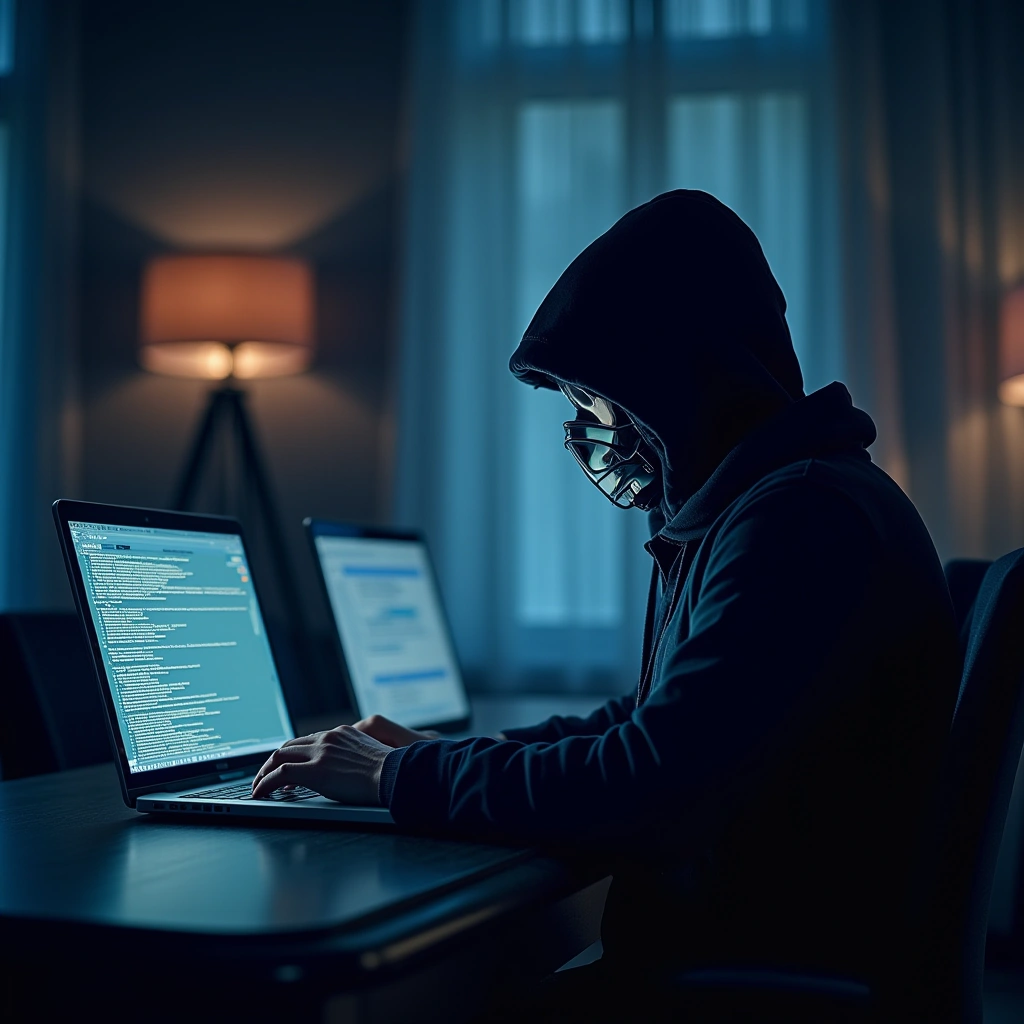
So, I guess it’s time to have a little chat about your router. You know, that little box sitting in the corner of your living room? The one you probably haven’t thought about since you set it up and then forgot about it while binge-watching your favorite series? Well, it turns out that the U.S. government is sounding the alarm—Russia state hackers are reportedly gunning for your router. Yes, your router! It’s the digital equivalent of a cowboy riding into town, and let’s just say, the sheriff isn’t around to help.
Attacks from Russian hackers can compromise your router. Update the firmware and tighten your router password. When was the last time you updated or restarted your router? As long as your internet is working, you may set up your router and then …
According to the Cybersecurity and Infrastructure Security Agency (CISA), these hackers are not just here for a friendly chat; they’re looking to exploit vulnerabilities in home routers. And if you think your router is safe because it’s been sitting there quietly, think again! Just like that old car you drive that you swear will last forever, routers need some TLC too.
Now, you might be wondering, “Why would anyone want to hack my router?” Well, dear reader, it’s not just about stealing your Netflix password (though that’s a bonus). By gaining access to your router, these hackers can intercept your internet traffic, snoop on your online activities, and even launch attacks on other networks. It’s like inviting a vampire into your house; once they’re in, they can cause all sorts of mischief.
So, what can you do to protect yourself? First off, change that default password. Seriously, if your router still has the factory settings, it’s like leaving your front door wide open with a sign that says, “Come on in, thieves!” Make sure to create a strong, unique password that even you can’t remember without writing it down somewhere (but not on a sticky note on your monitor, please).
Next, keep your firmware updated. Manufacturers occasionally release updates to patch security holes, and if you ignore them, it’s like putting a ‘kick me’ sign on your back. Check your router’s settings to see if there’s an update available, and don’t just hit ‘remind me later’—actually do it!
Also, consider disabling remote management features unless you absolutely need them. It’s like letting that one friend who always overstays their welcome have the keys to your house. You don’t need that kind of negativity in your life.
Lastly, if you’re feeling extra fancy, consider setting up a guest network for visitors. This way, they can connect to your Wi-Fi without having access to your main network. It’s like having a separate entrance to your house for guests—less chance of them rummaging through your stuff.
In conclusion, while it might seem like a hassle to secure your router, it’s a small price to pay for peace of mind. After all, you wouldn’t leave your front door unlocked, would you? And if you do, well, maybe it’s time to rethink your life choices. Stay safe out there, folks, and remember: the internet is a wild place, but your router doesn’t have to be the Wild West.
Inspired by: “The U.S government warns that Russia state hackers are coming after your router | With residential…” (r/technology)