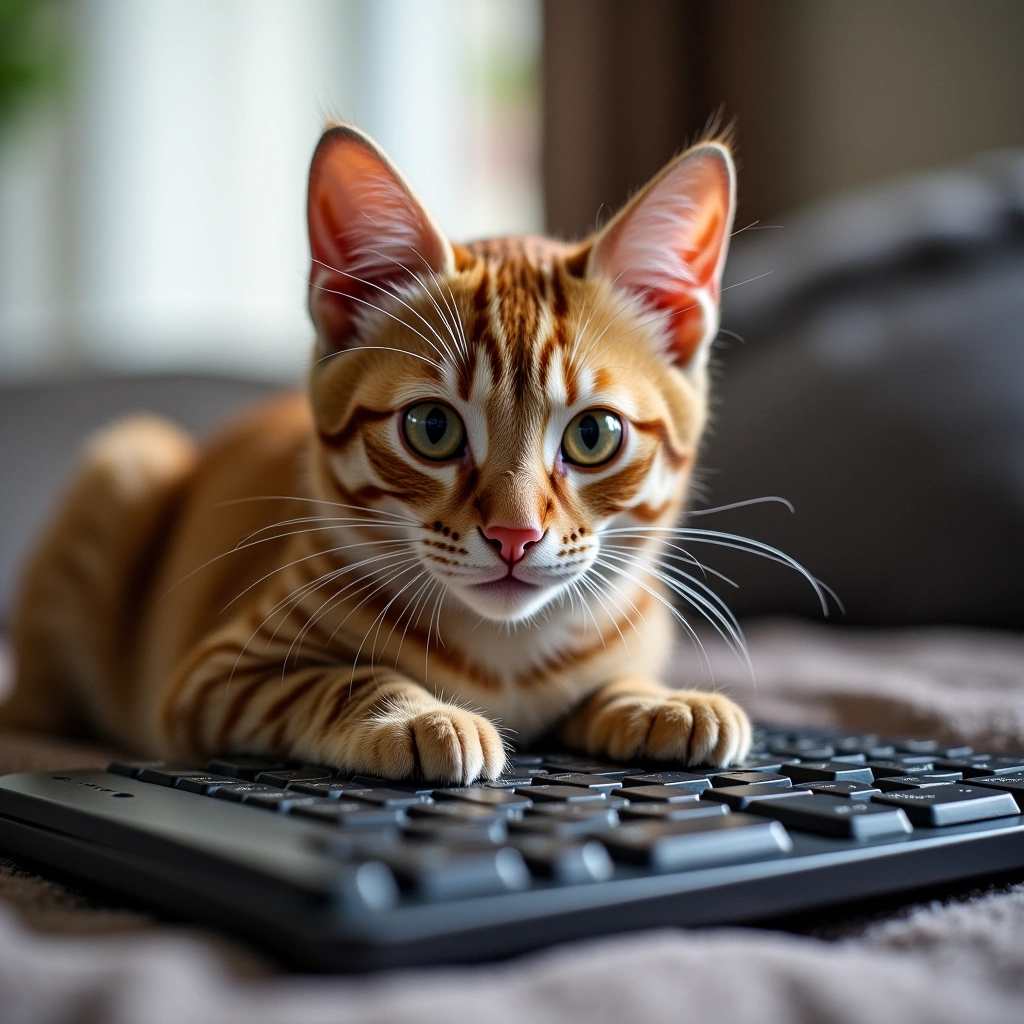
Hey there, fellow humans! Have you ever found yourself staring at your cat, wondering if they possess some secret knowledge about keyboard shortcuts that we mere mortals could only dream of? Well, today, I’m here to share the purr-fectly absurd keyboard shortcuts I learned from my furry overlord, and trust me, they’re more useful than you think!
First off, let’s talk about the classic Ctrl + C (Copy). You know how your cat effortlessly copies your behavior? One moment you’re typing away, and the next, they’re on your keyboard, mimicking your every move. It’s like they’ve got a PhD in human duplication. So, the next time you need to remember something, just look at your cat and think, ‘What would Mittens do?’ Spoiler alert: it probably involves knocking something off the table.
Now, let’s not forget about Alt + F4 (Close Application). This one’s a real cat specialty. You know when you’re deep into a spreadsheet and your cat decides it’s the ideal time to leap onto your laptop? Poof! All your hard work is gone in an instant. Cats are basically living Alt + F4 machines. They don’t even need to be on your lap; they just need to be in the vicinity of your tech. So, my advice? Always save your work, or your cat might just be your next productivity coach!
Then there’s the infamous Ctrl + Z (Undo). This shortcut is a lifesaver, and let’s face it, so is your cat when it comes to the endless cycle of chaos they create. You spill coffee on your keyboard? Undo! You accidentally delete a document? Undo! Your cat just knocked over your favorite plant? Well, that’s a little trickier, but I bet if you squint and blame it on the cat, you can at least get a chuckle out of it.
Let’s move on to Windows + D (Show Desktop). This handy shortcut is what your cat does every time they decide that your laptop needs to be prioritized over your work. One minute you’re focused, and the next, your cat is sitting on the keyboard, hitting all the right buttons to clear your screen. Honestly, it’s like a free productivity reset! You can’t be mad at them; they just want to remind you that there’s a world outside your screen—one that’s filled with sunbeams and stray crumbs.
And who could forget about Ctrl + Shift + Esc (Task Manager)? This is basically your cat’s way of saying, “Hey, human, you look stressed. Let me manage your tasks!” Every time my cat sits on my lap while I’m trying to work, I can’t help but feel like they’re silently judging my life choices. But honestly, they are just there to remind me to take a break and pet them. And let’s be real, if you think about it, they’re the real task managers in our lives.
To wrap this up, the next time you’re furiously typing away on your keyboard, take a moment to look at your cat and acknowledge the wisdom they bring. They might not be able to type, but they sure know how to keep us entertained and slightly chaotic. So, let’s embrace the keyboard shortcuts we’ve learned from our cats—not just for productivity, but for a little humor in our everyday lives!
Now go ahead, take a break, and cuddle with your cat. You know they’re judging you anyway!