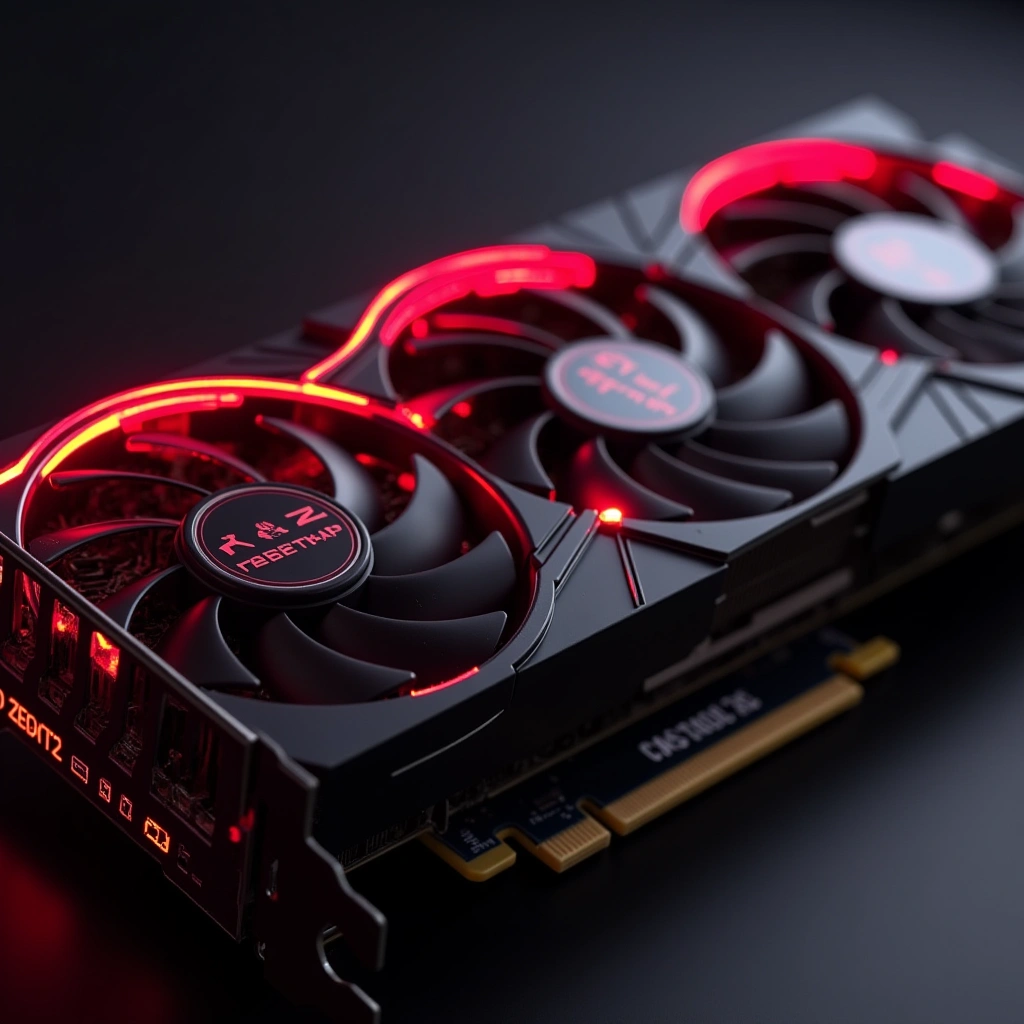
Hey there, fellow gamers and tech enthusiasts! So, it seems that our beloved AMD GPU owners have found themselves in a bit of a pickle—one that makes the infamous ‘hot sauce’ your friend keeps in their fridge look like a mild salsa. That’s right, folks! We’re talking about the latest driver update that has everyone buzzing (and not in a good way) about the Zero RPM feature.
Now, if you’re scratching your head wondering what this Zero RPM feature is, let me break it down for you. Essentially, it’s supposed to keep your GPU fans off when the system is idling, which sounds great in theory. Who wouldn’t want a silent setup while they binge-watch their favorite series, right? But here’s the kicker: when the GPU decides to get a little too cozy and the temperatures start rising—think of it as your GPU throwing a mini sauna party—those fans are supposed to kick in and cool things down. Except, in some cases, they don’t. Yikes!
As reported by our pal /u/twofive7 on Reddit, many users have noticed their GPUs getting hotter than a summer day in Phoenix after this update. And let’s be honest, nobody wants their graphics card to be the next contestant on ‘Who Can Overheat First?’ It’s like a game show where the prize is a ruined GPU and a hefty repair bill. Trust me; that is not a game you want to play.
But wait, there’s more! Users have been taking to Reddit like it’s Black Friday and the last TV is on sale, sharing their horror stories about unexpectedly high temperatures. I mean, come on, who needs a thermal throttle when you can just let your GPU rise to the occasion? It’s like AMD decided to throw a surprise party for all our hardware, and the theme was ‘Let’s See How Hot We Can Get’. Spoiler alert: it’s not a party anyone wants to attend!
So, what’s the takeaway here? If you own an AMD GPU and recently updated your drivers, it might be time to keep an eye on those temperatures. You don’t want your graphics card to start looking like a lobster in a pot of boiling water. And for heaven’s sake, consider manually adjusting those fan settings until AMD figures this whole mess out. It’s like finding out your favorite restaurant is serving food that gives you food poisoning. You might love their lasagna, but you’re not going back until they fix their kitchen!
In conclusion, while we all want our gaming rigs to be whisper-quiet, we also don’t want them to turn into a fiery inferno. So let’s keep those GPUs cool and our games running smoothly. If you’ve got stories or tips about the AMD GPU situation, feel free to drop them in the comments! Remember: sharing is caring, especially when it comes to avoiding a trip to the hardware store. Stay cool, friends!