A dedicated password manager is a more secure alternative to Chrome’s built-in autofill. These tools offer more robust security features and controls. For example, a solution like TeamPassword provides enhanced security (your data is stored in a vault secured with AES 256-bit encryption, protected by a separate master password, with automatic locking after inactivity), cross-platform access on any browser or device via extensions and apps, and team-focused features for securely sharing credentials, organizing passwords into groups, and managing user access. Password managers provide a signific
Let’s be honest: filling out forms can be as thrilling as watching paint dry. You know the drill—name, email, phone number, and then the dreaded flight booking reference that you can never remember. But fear not, fellow Internet user! Chrome has come to the rescue with its enhanced autofill feature that pulls suggestions straight from your Gmail. Yes, you heard it right, your email can now help you avoid the tedious task of typing out information you probably have saved somewhere in your inbox.
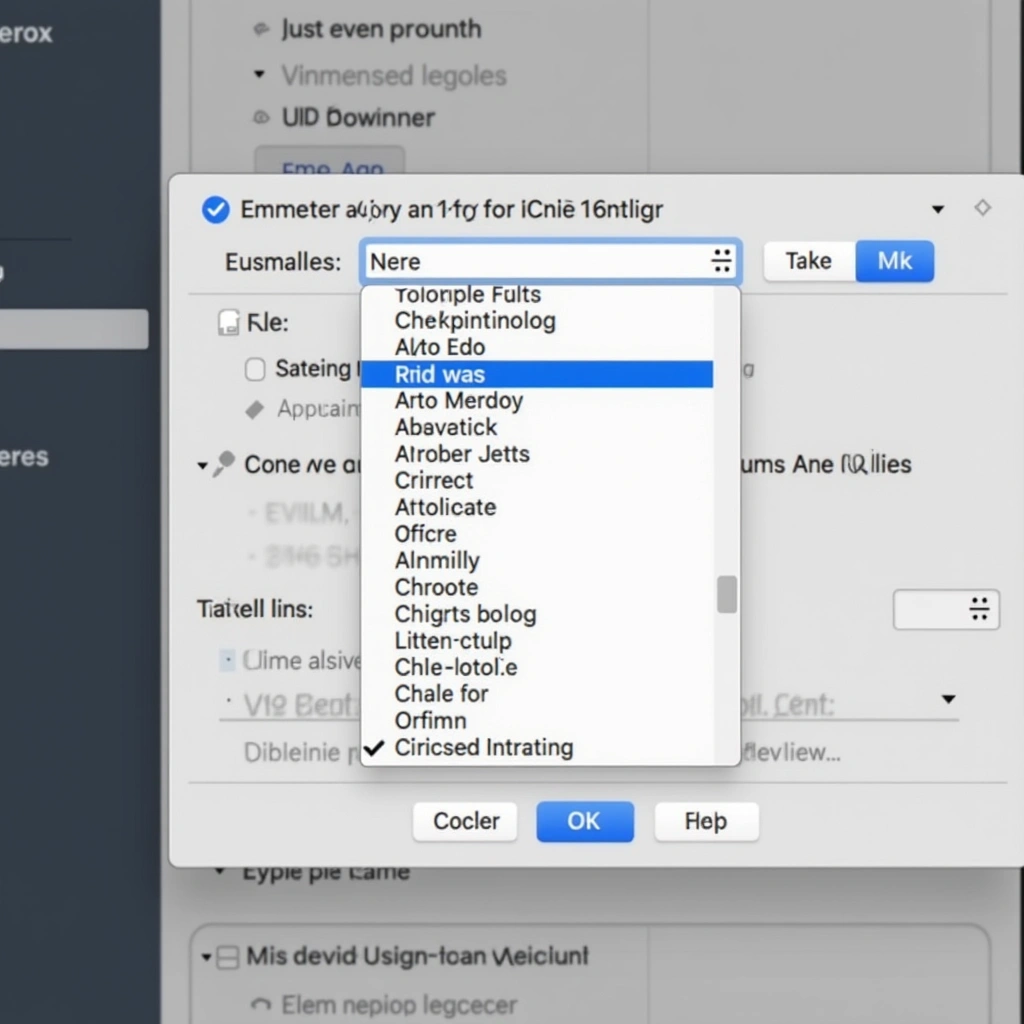
So, how does this magical autofill work? Well, Chrome has decided that it’s time to put that massive amount of data it collects to good use. By integrating with your Gmail, Chrome can now access your flight bookings and order numbers, making form filling faster and less of a headache. It’s like having a personal assistant, but without the awkward small talk and the need to provide coffee breaks.
Imagine this: You’re trying to book a flight, and instead of searching through your inbox for that confirmation email, you just start typing in the form. Chrome recognizes that you booked a flight to Hawaii (lucky you!) and suggests your booking reference. Just a couple of clicks, and boom! You’re halfway to paradise without losing your mind in the process.
But wait, there’s more! This isn’t just about flight bookings. Chrome’s autofill can also help with online shopping. We all know that feeling when you’re about to check out and suddenly forget your order number. Chrome’s got your back. Just start filling in the form, and it will suggest the information right from your previous purchases. It’s like having a shopping buddy who remembers everything, except this buddy doesn’t judge you for your impulse buys.
Now, before you get too excited, let’s address the elephant in the room: privacy. With great power comes great responsibility, and you might be wondering how much of your data Chrome is really accessing. Google has assured users that they prioritize your privacy, but it’s always good to double-check your settings. You can control what data is shared and what isn’t, so take a moment to ensure you’re comfortable with the autofill feature.
In summary, Chrome’s enhanced autofill feature is here to simplify your life, one form at a time. Whether you’re booking a last-minute flight or trying to remember what you bought last week, this nifty tool can save you time and effort. Just remember to keep an eye on your privacy settings, and you’ll be well on your way to filling out forms like a pro. Who knew that the mundane task of form filling could become a little less painful? Thanks, Chrome, for being the unsung hero of our internet browsing experience. Now if only you could make coffee too!
Inspired by: “Chrome’s enhanced autofill helps you fill out forms with suggestions pulled from Gmail.” (r/Tech)